> For the complete documentation index, see [llms.txt](https://docs.punkland.io/llms.txt). Markdown versions of documentation pages are available by appending `.md` to page URLs; this page is available as [Markdown](https://docs.punkland.io/punkland-studio/studio/checking-version-and-updates.md).
# Checking Version and Updates
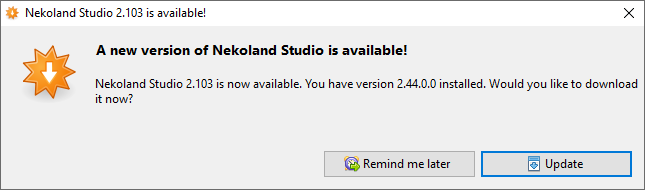
When you launch Punkland Studio, a popup will appear notifying you of any available updates to the latest version.
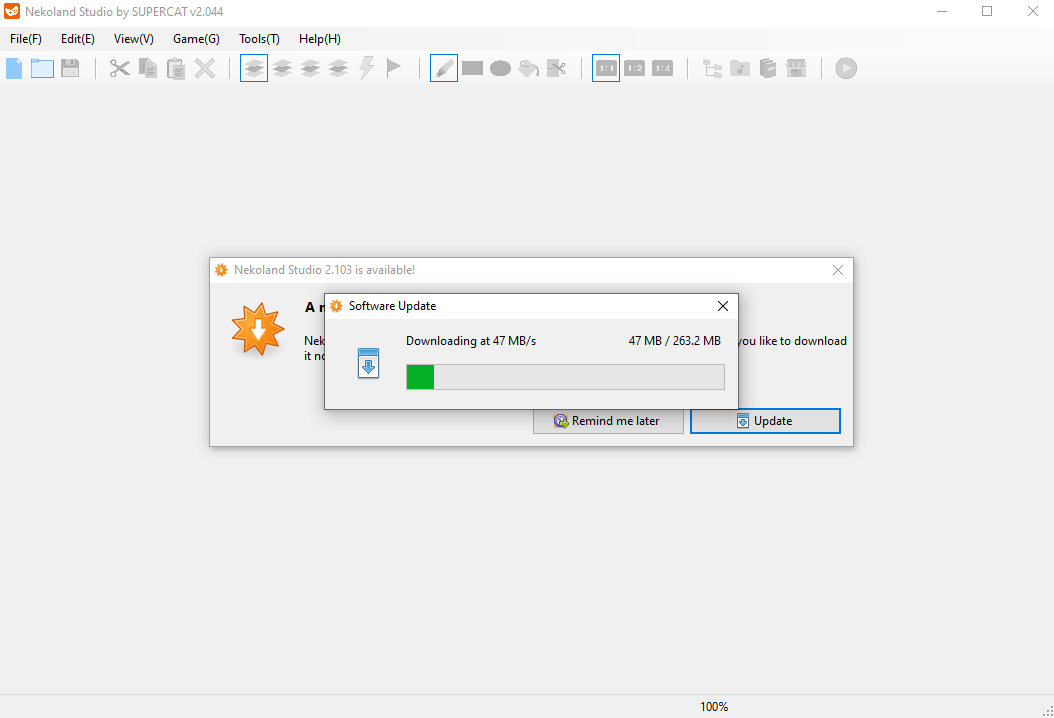
Update 버튼 클릭
* When you click the **\[Update]** button, a software update popup will appear, allowing you to monitor the update progress.
* Once the update is complete, Punkland Studio will automatically launch.
* For further clarification, refer to the screenshot below.