> For the complete documentation index, see [llms.txt](https://docs.punkland.io/llms.txt). Markdown versions of documentation pages are available by appending `.md` to page URLs; this page is available as [Markdown](https://docs.punkland.io/punkland-studio/studio/how-to-download-punkland-studio.md).
# How to Download Punkland Studio
#### How to Download Punkland Studio
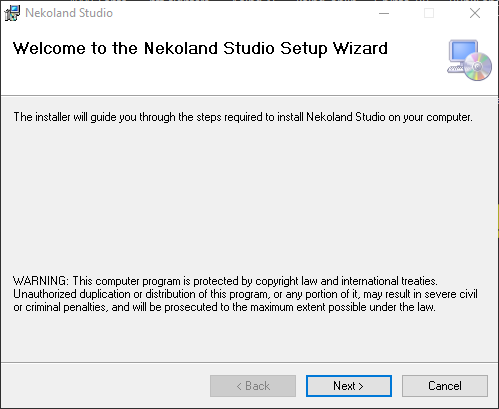
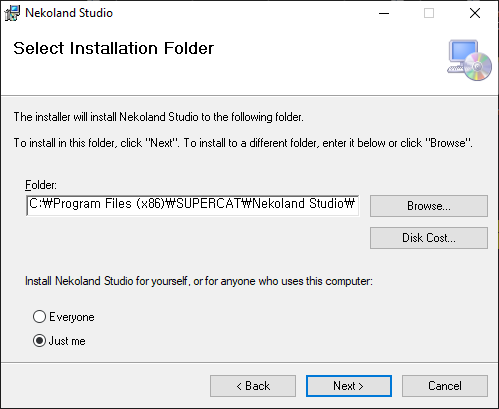
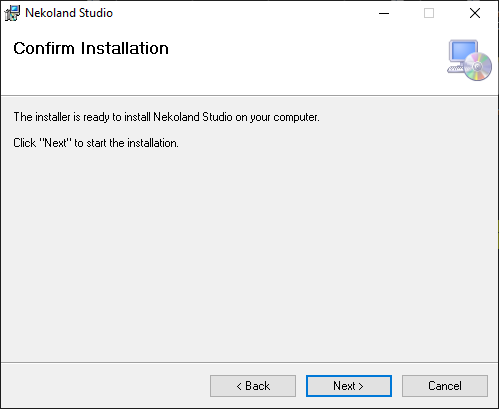
* **Direct Download**: Clicking the ["Download Punkland Studio"](https://get.nekoland.net/) button allows you to download it directly.
* **Introduction Page**: You can also download the studio from the [Punkland introduction page](https://punkland.io/about).
* **PC Support**: Punkland Studio for PC is only available for Windows.
* **Requirements**: Punkland Studio requires the latest version of the[ .Net Framework.](https://www.microsoft.com/ko-kr/download/details.aspx?id=49982)
* If you encounter any errors when launching the studio, please install the [.Net Framework](https://www.microsoft.com/ko-kr/download/details.aspx?id=49982) and reboot your system.